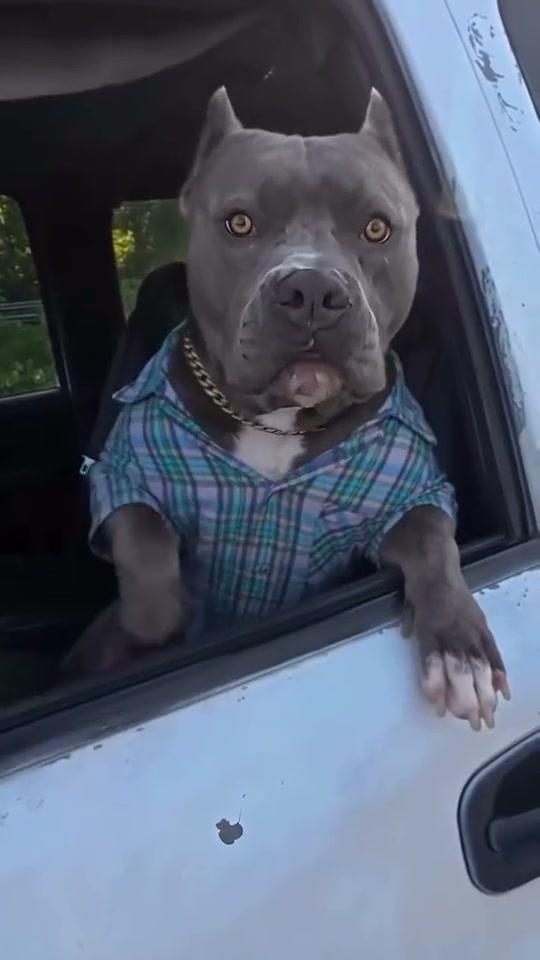
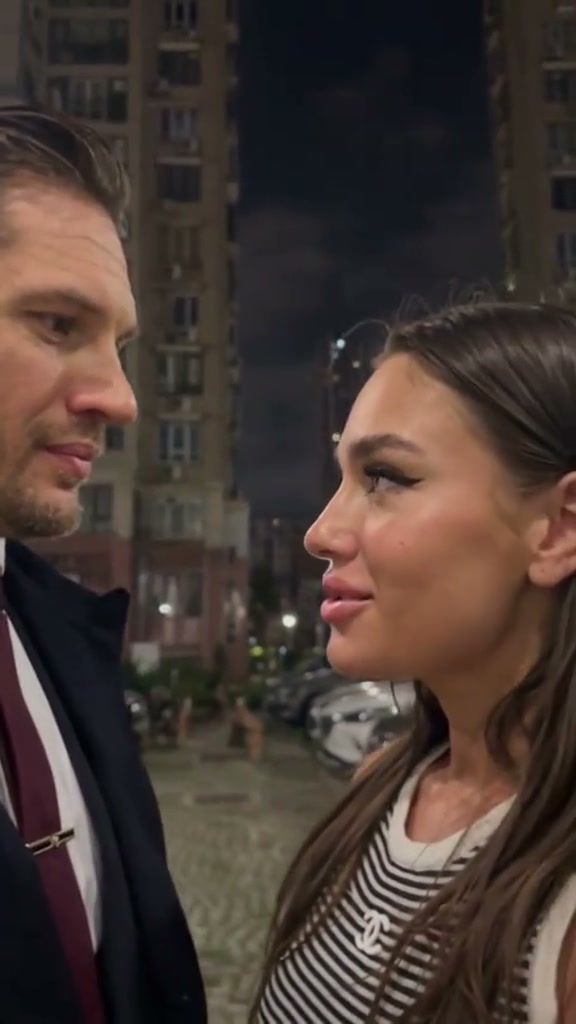
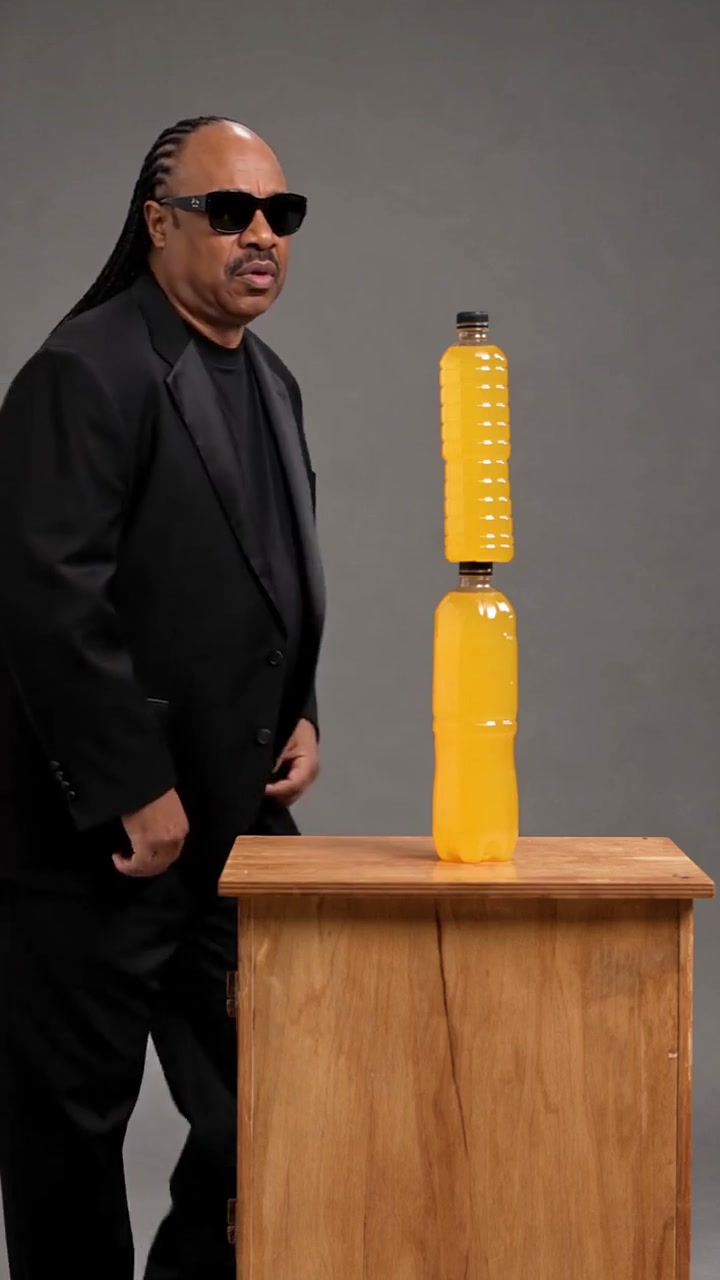
See Elevator Outfit Change AI in Action — No Prompt Writing Needed
Generated directly from one portrait photo—no studio lighting setups, green screen, or video editing required.
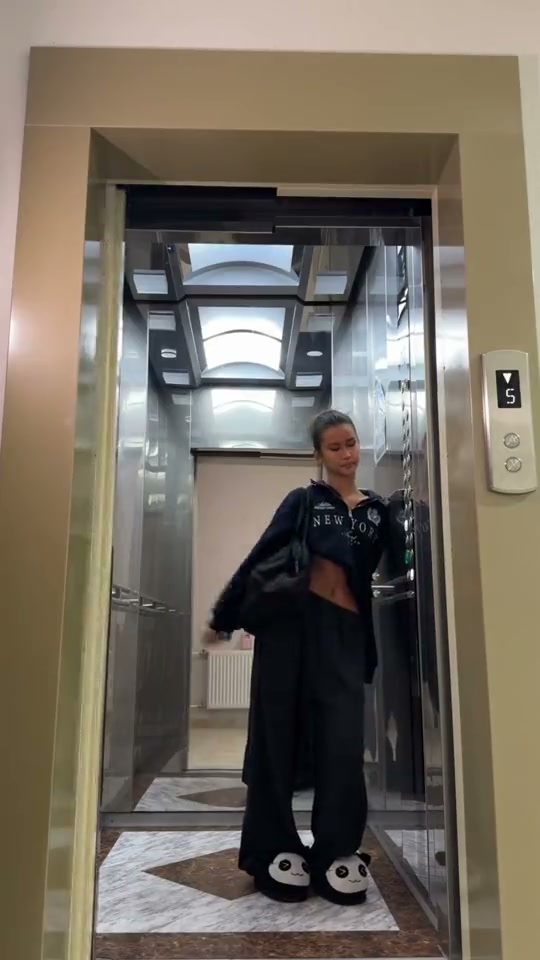
Elevator Outfit Change AI casts you inside a sleek modern stainless steel elevator where sliding door transitions reveal stunning fashion glow-ups. Uploading one clear portrait photo generates a complete 14-second 9:16 vertical MP4 starting at 7 credits (Standard 480p) with zero manual prompt engineering.
- 1Input needed: 1 front-facing portrait photo with clear facial features, hair, and even daylight lighting.
- 2Instant visual hook: begins with a high-fashion elevator fit check before synchronized door wipes trigger sharp outfit reveals.
- 3Matched timeline: 0.0–3.0s setup, 3.0–4.5s door slide, 4.5–10.0s first reveal, 10.0–14.0s final luxury transformation.
- 4Formats & options: native 9:16 vertical MP4 across Standard, Fast, Pro, and Ultra rendering tiers.
- 5Transparent pricing: starts at 7 credits (14s, Standard 480p); failed renders automatically refund reserved credits.
- Clip Length
- 14 Seconds
- Entry Cost
- 7 Credits (480p)
- Aspect Ratios
- 9:16 Vertical
- Photo Input
- 1 Clear Portrait
Why the Elevator Transition Works
Short-form fashion videos thrive on the anticipation of instant, high-impact transformations. The elevator setting provides a natural physical wipe: as the reflective stainless steel doors slide shut and re-open, viewers expect a dramatic style evolution.
Two visual mechanics make this preset captivating right out of the studio:
- Natural environmental wipe: Rather than arbitrary digital cuts, the sliding doors provide a believable real-world transition that anchors the rhythm of the transformation.
- Dynamic reflections & lighting: Modern elevator cabins feature metallic reflections and overhead spotlighting that accentuate facial likeness and fashion styling.
14-Second Shot-by-Shot Beat Breakdown
| Timestamp | Phase | What Happens on Screen | Why Your Photo Matters Here |
|---|---|---|---|
| 0.0s – 3.0s | Setup | Subject stands inside a modern stainless steel elevator cabin in casual streetwear, making confident eye contact with the camera. | A front-facing portrait with clear eyes and natural hair silhouette ensures crisp identity mapping during the initial entrance. |
| 3.0s – 4.5s | First Door Wipe | Elevator doors smoothly slide shut across the frame, building anticipation for the first wardrobe transition. | Even indoor lighting prevents unwanted contrast spikes as the reflective doors close across the lens. |
| 4.5s – 10.0s | First Glow-Up Reveal | Doors slide open revealing the subject transformed in an elevated urban fashion ensemble, executing a subtle stylistic turn. | Single-subject photos prevent secondary background faces from bleeding into the reflection during camera movement. |
| 10.0s – 14.0s | Climax Reveal | A second door transition reveals the subject in a striking luxury look, stepping slightly forward with a charismatic final smile. | Clear upper-body framing in your source photo gives the model sufficient structural cues for authentic clothing drape. |
How to Pick the Best Portrait Photo (Zero-Prompt Workflow)
Because the studio handles the camera direction, door timing, and lighting physics on the server, you never write a prompt. Choosing a clear input photo is the single step that ensures maximum likeness fidelity and realistic motion.
High-Accuracy Portrait Photos vs. Common Mistakes
Because this effect runs on a locked motion preset with zero prompt typing, photo selection accounts for most of the final quality.
Upload Photos Like This
- Front-facing or slight three-quarter portrait where eyes, hairstyle, and jawline are clearly visible.
- Even, natural daylight or clean indoor lighting with well-balanced skin tones.
- Clean, uncluttered background featuring only yourself in the entire frame.
- Full head and shoulders visible with natural posture.
- Natural expression without sunglasses, heavy masks, or hats covering facial features.
Avoid These Mistakes
- Group photos with friends or stray hands near the face or neck.
- Harsh backlighting or dimly lit night shots where facial features become noisy silhouettes.
- Extreme close-ups with cut-off foreheads, chins, or hair.
- Side profiles or candid shots where eyes look far away from the lens.
- Celebrity images or photos you do not own the rights to use.
Ready to Step Into the Elevator? Launch Straight Into the Studio
Pick one clear portrait photo here to carry it into the Elevator Outfit Change AI studio pre-loaded—review your exact credit estimate (from 7 credits at 480p) and generate in seconds.
 1 Portrait Photo14s MP4
Preset Video vs. CapCut Templates: Which Should You Use?
Creators searching for "elevator outfit change CapCut template" frequently want a fast way to join the trend without manually keyframing video layers. Here is how the AI video preset compares to conventional video templates:
Elevator Outfit Change AI Preset vs. CapCut Templates
| What Matters | Viral AI Video Preset | Typical CapCut Template |
|---|---|---|
| Likeness & styling synthesis | Synthesizes an authentic 14-second cinematic elevator fashion video guided by your portrait and synchronized door transitions. | Pastes flat 2D cutouts or photo overlays onto pre-rendered stock elevator footage. |
| Lighting & reflection consistency | Dynamically adapts metallic cabin reflections and spotlighting to match your facial features and body contours. | Overlays often look disconnected from the lighting and depth of the background elevator scene. |
| Manual video editing required | Zero prompts, keyframes, or masking—upload 1 photo, review credits, and generate. | Often requires manual multi-clip trimming, cutout fine-tuning, and audio beat alignment. |
| Resolution & format delivery | Generates ready-to-share 9:16 vertical MP4s across 480p, 720p, and 1080p (Pro+) rendering models. | Varies depending on template creator settings and mobile device export limits. |
| Pricing & credit flexibility | Starts at 7 credits per 14s Standard 480p render; purchased credit packs do not expire. | Free base features with watermarks; premium templates and HD export require recurring subscriptions. |
Audio, Previewing & Posting Tips
Before publishing your finished elevator transition clip to TikTok, Instagram Reels, or YouTube Shorts, keep these three production tips in mind:
- Review video & audio before sharing: Watch the complete preview to ensure smooth door wipes and likeness consistency. Remember that browser downloads include the aligned soundtrack, while phone task downloads may vary.
- Pair with trending platform audio: Our effect studio renders ambient model sound without copyrighted pop tracks. When uploading to TikTok or Reels, attach commercial trending music directly from the platform library.
- Turn on AI content disclosure: Enabling the platform AI-generated content toggle ensures transparency and keeps your account compliant with community guidelines. Looking for another viral fashion transformation? Check out the Fitting Room Outfit Change AI and our fitting room styling playbook.