See WYW Sweetie AI in Action — No Prompt Writing Needed
Generated directly from everyday portrait photos—no rehearsals, no filming, and zero manual prompt writing.
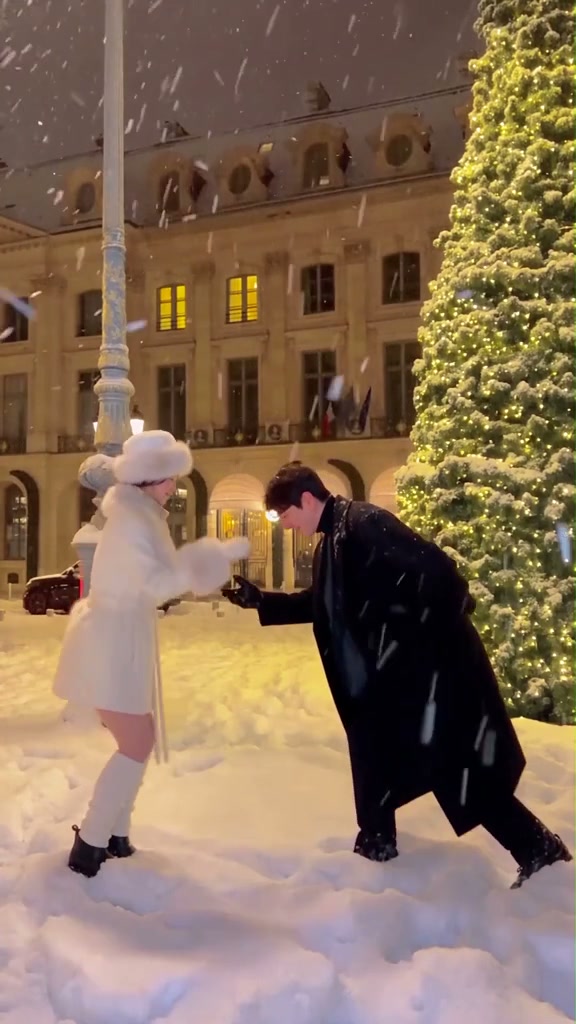
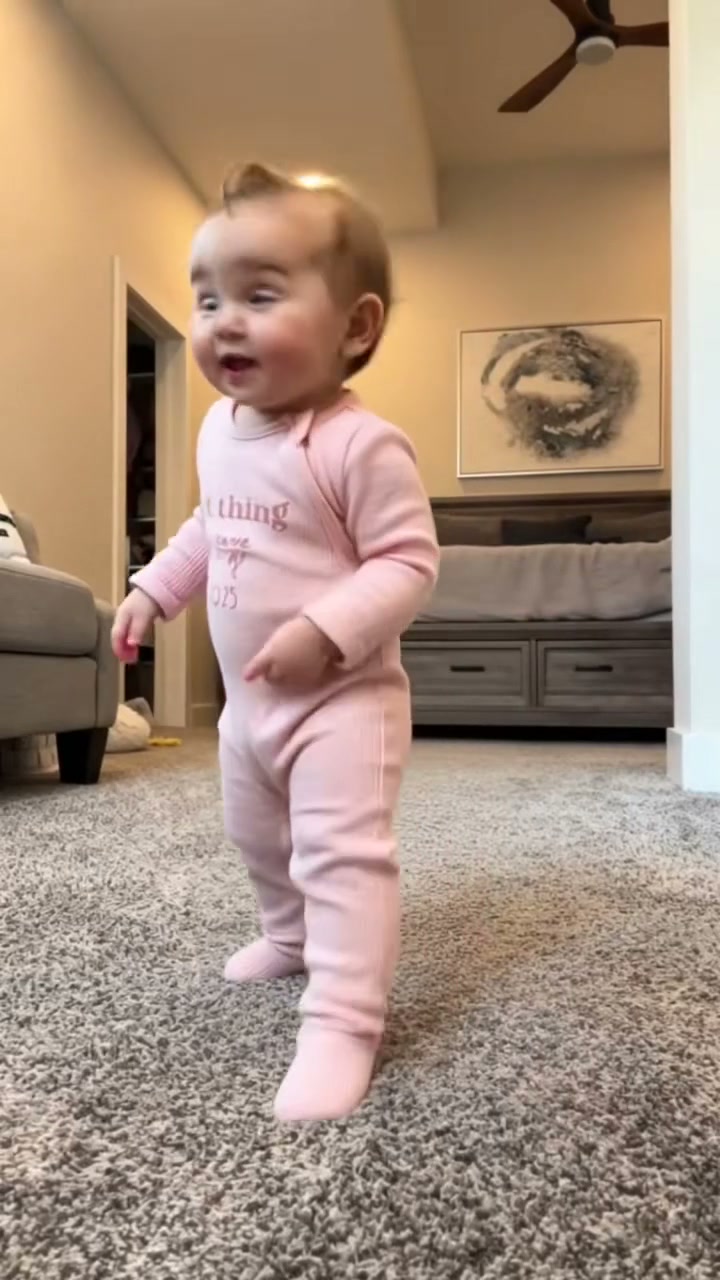
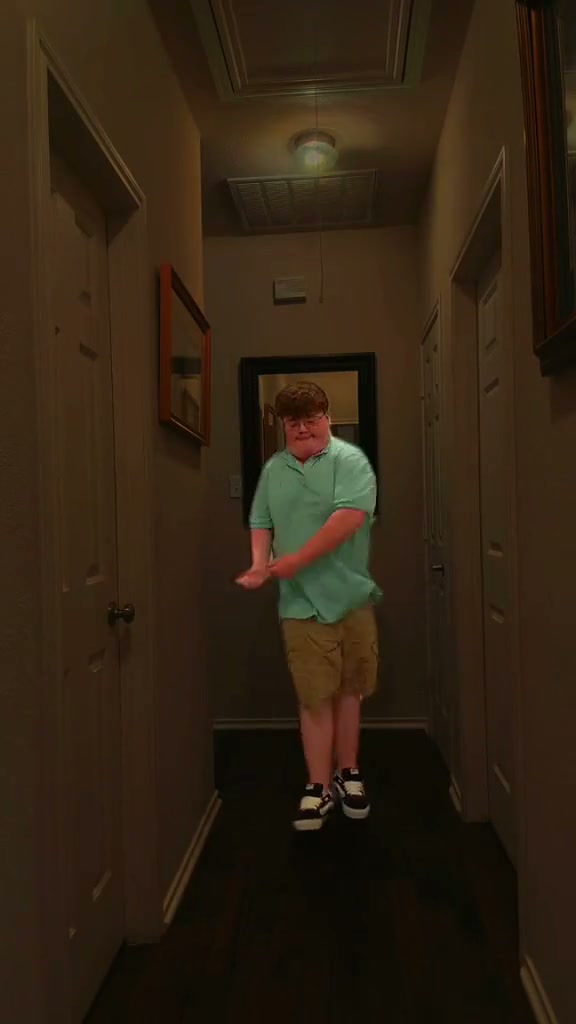
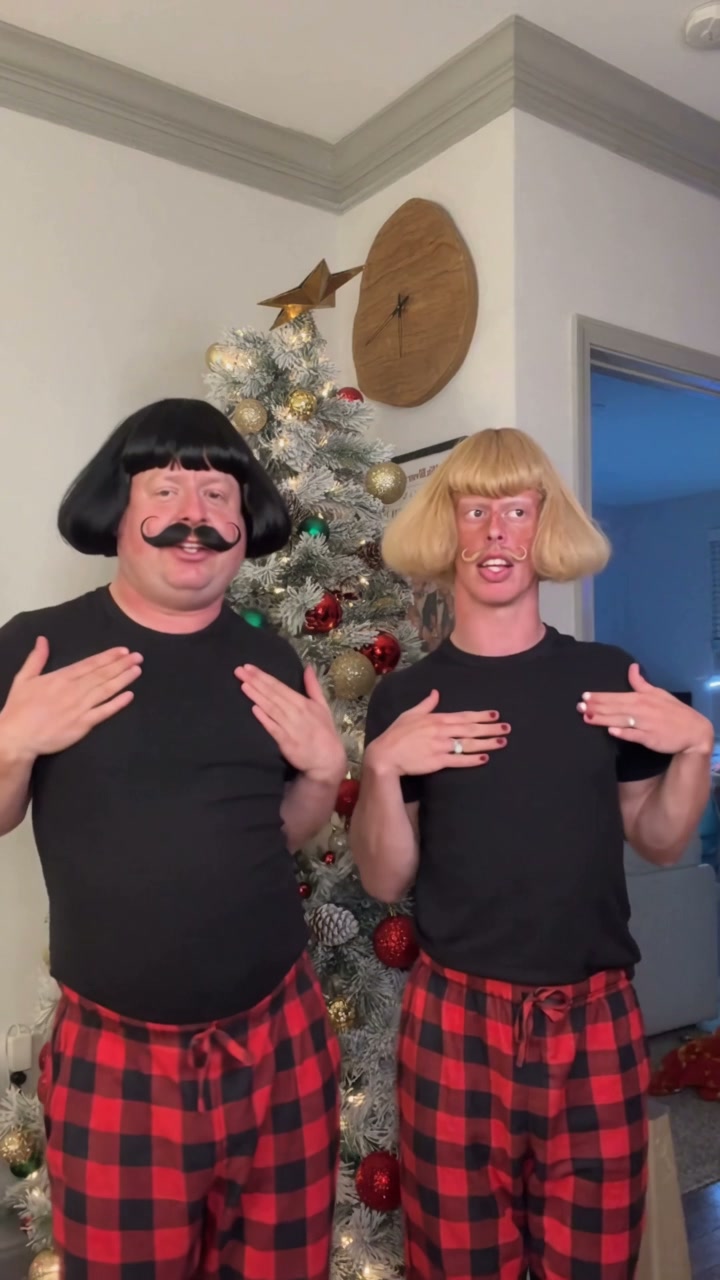
WYW Sweetie AI casts you solo or with a partner inside the viral TikTok Jersey Club choreography set to "WYW – My Sweetie" by Nissi & 25Hzz. Using one or two clear portraits generates a complete 12-second MP4 starting at 6 credits (Standard 480p) with zero prompts.
- 1Input needed: 1 or 2 clear front-facing adult portraits with natural lighting and visible facial features.
- 2Choreography structure: opens with a solo lead center groove before a partner enters from frame-left for synchronized duo footwork.
- 3Granular role selection: choose Solo Lead (center stage), Solo Guest (side entrance), or Duo Both.
- 4Formats & options: 9:16 vertical for TikTok and Reels, 1:1 square, or 16:9 widescreen across Standard, Fast, Pro, and Ultra tiers.
- 5Transparent pricing: starts at 6 credits (12s, Standard 480p); failed tasks automatically return reserved credits.
- Clip Length
- 12 Seconds
- Entry Cost
- 6 Credits (480p)
- Aspect Ratios
- 9:16 · 1:1 · 16:9
- Photo Input
- 1 or 2 Portrait Photos
Why the WYW Sweetie Format Works
Short-form dance videos thrive on high-energy beat drops, relatable physical chemistry, and surprise entrances. Set to the infectious Jersey Club rhythm of Nissi and 25Hzz, the WYW Sweetie routine delivers an immediate visual hook by beginning with a confident solo dancer before seamlessly expanding into a synchronized two-person powerhouse.
Three structural elements make this format consistently outperform generic dance clips:
- Staggered duo reveal: The entrance of a second dancer at 4.5 seconds creates a secondary retention spike that keeps viewers watching through the full loop.
- Rhythmic Jersey Club footwork: Fast lateral weight transfers, knee pops, and bouncy arm pumps maintain dynamic visual motion from frame 0 to the finale.
- Natural role adaptability: Whether starring solo as the lead, popping in as the surprise guest, or collaborating as a duo, individual likeness and clothing styling remain intact.
12-Second Shot-by-Shot Beat Breakdown
| Timestamp | Phase | What Happens on Screen | Why Your Photo Matters Here |
|---|---|---|---|
| 0.0s – 2.5s | Solo Intro | The lead dancer opens center stage executing rhythmic Jersey Club weight shifts and relaxed knee bounces in sync with the chopped vocal hook. | A front-facing eye-level portrait with clear facial visibility anchors performer identity from the opening frame. |
| 2.5s – 6.5s | Partner Entrance | The lead dancer executes sharp knee pops before the guest dancer enters briskly from frame-left; both acknowledge each other and lock into formation. | Distinct clothing styling between Photo 1 and Photo 2 prevents visual ambiguity when both dancers share the frame. |
| 6.5s – 12.0s | Synchronized Peak | Both dancers perform synchronized duo footwork with alternating leg kicks, forward points, and hit peak chorus arm pumps with energetic bounces. | Upper-body portraits showing natural hairstyle and attire let the AI mirror full-body choreography without static posture artifacts. |
How to Pick the Best Portrait Photos (Zero-Prompt Workflow)
Because the studio handles camera movements, studio lighting, and choreography on the server, you never need to write prompts. Selecting clear portrait photos is the single most important factor for realistic facial likeness and clothing preservation.
High-Accuracy Portraits vs. Common Upload Mistakes
Because this effect runs on a locked motion preset with zero prompt typing, photo selection accounts for most of the final quality.
Upload Photos Like This
- Front-facing eye-level portrait where both eyes, eyebrows, nose, and mouth are clearly visible.
- Even indoor or natural daylight without deep shadows or overexposed glare.
- Plain or uncluttered background with exactly one adult person per uploaded photo.
- Upper-body framing showing natural hairstyle, shoulders, and everyday clothing attire.
- Natural relaxed expression—no complex dance poses or hands-in-pockets required.
Avoid These Mistakes
- Photos with multiple people in a single upload slot or cropped group photos.
- Heavy sunglasses, face masks, novelty hats, or digital filter overlays obscuring features.
- Dark backlit photos or low-resolution blurry webcam snapshots.
- Extreme side-profile angles or head tilted downward hiding facial structure.
- Photos of celebrities, public figures, or minors without explicit authorization.
Ready to Star in the WYW Sweetie Dance? Launch the Studio
Select your cast setup (Solo Lead, Solo Guest, or Duo Both), upload clear portraits, review your credit quote (from 6 credits at 480p), and generate in seconds.
 1 or 2 Portraits
 12s MP4
Preset Video vs. CapCut Templates: Which Should You Use?
Creators searching for "WYW Sweetie CapCut template" often look for a quick way to join the trend without manually learning the choreography. Here is how our generative AI preset compares against manual editing templates:
WYW Sweetie AI Preset vs. CapCut Templates
| What Matters | Viral AI Video Preset | Typical CapCut Template |
|---|---|---|
| How performers appear | Generates a full-body 12-second motion clip where your portraits authentically perform the viral Jersey Club footwork. | Displays static photo cutouts, slide transitions, or pan-and-zoom stickers over pre-recorded dance clips. |
| Role selection & flexibility | Full control: star solo as the lead, solo as the surprise guest, or cast both roles as a synchronized duo. | Fixed template layout requiring specific photo counts with no individual character separation. |
| Editing effort required | Zero manual keyframing or prompt writing—upload photos, review credits, and generate. | Requires installing mobile or desktop software, manually adjusting clip durations, and trimming timeline tracks. |
| Aspect ratios & export quality | Generates 9:16 vertical, 1:1 square, or 16:9 widescreen across Standard, Fast, Pro, and Ultra tiers. | Bound to the original creator’s upload orientation, with higher exports locked behind recurring Pro plans. |
| Pricing & refund safety | Starts at 6 credits per 12s clip; purchased credit packs never expire (subscription terms differ), and failed tasks refund 100% automatically. | Free basic features with recurring monthly subscription popups for premium exports and cloud storage. |
Audio, Previewing & Posting Tips
Before posting your finished dance clip to TikTok, Instagram Reels, or YouTube Shorts, keep these essential creator tips in mind:
- Preview the entire choreography before publishing: Watch the transition at 4.5s where the guest enters to verify natural spatial spacing and facial clarity throughout fast motion.
- Synchronize official audio on your publishing platform: Generated MP4s include the viral Jersey Club bounce beat automatically for desktop downloads; when uploading on mobile apps, link the official trending sound from the platform audio library for maximum algorithm reach.
- Toggle AI disclosure flags responsibly: Turning on TikTok’s AI-generated content toggle maintains creator transparency and complies with platform policy. Want to try another duo sensation? Check out our Deck The Halls Dance AI studio or read our holiday duo dance playbook for more two-person choreography tips.