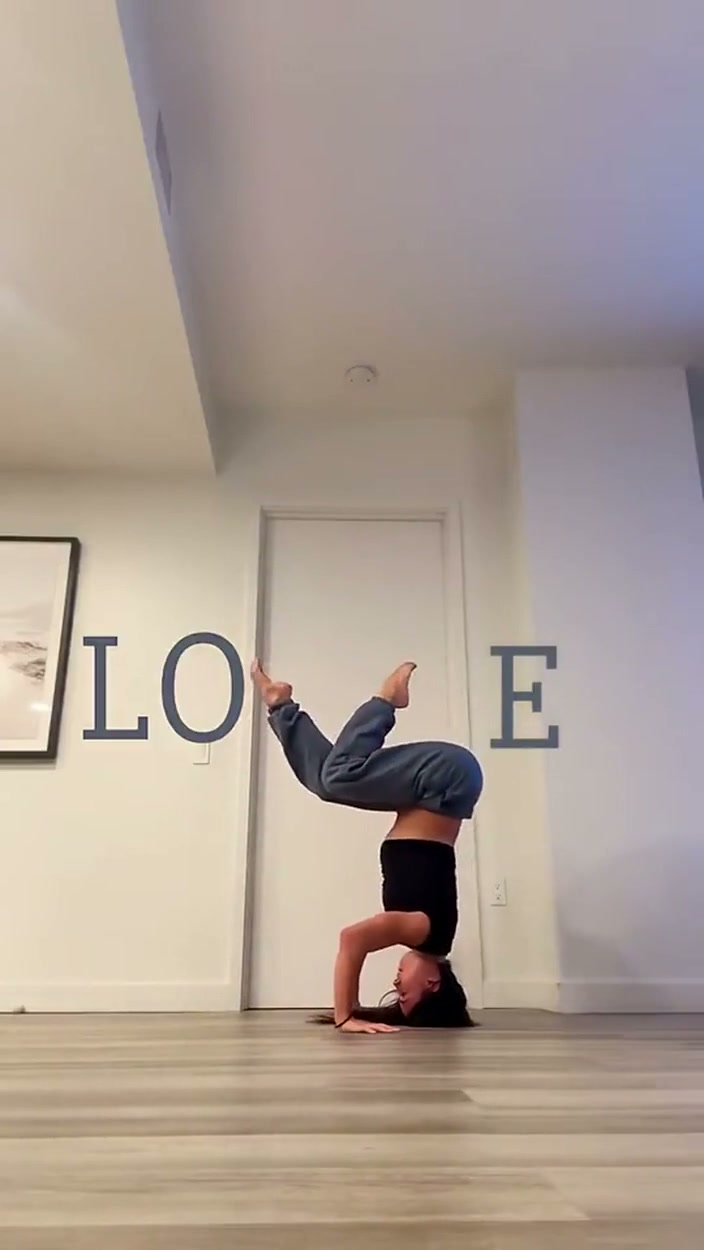
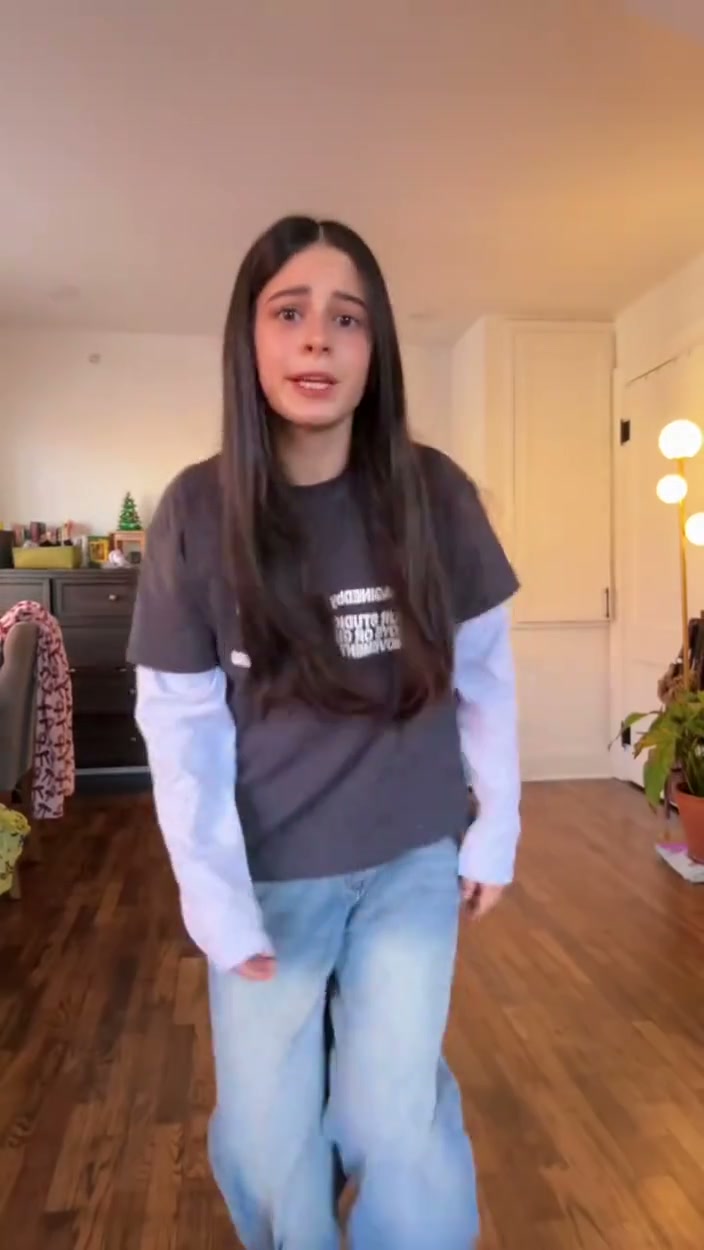
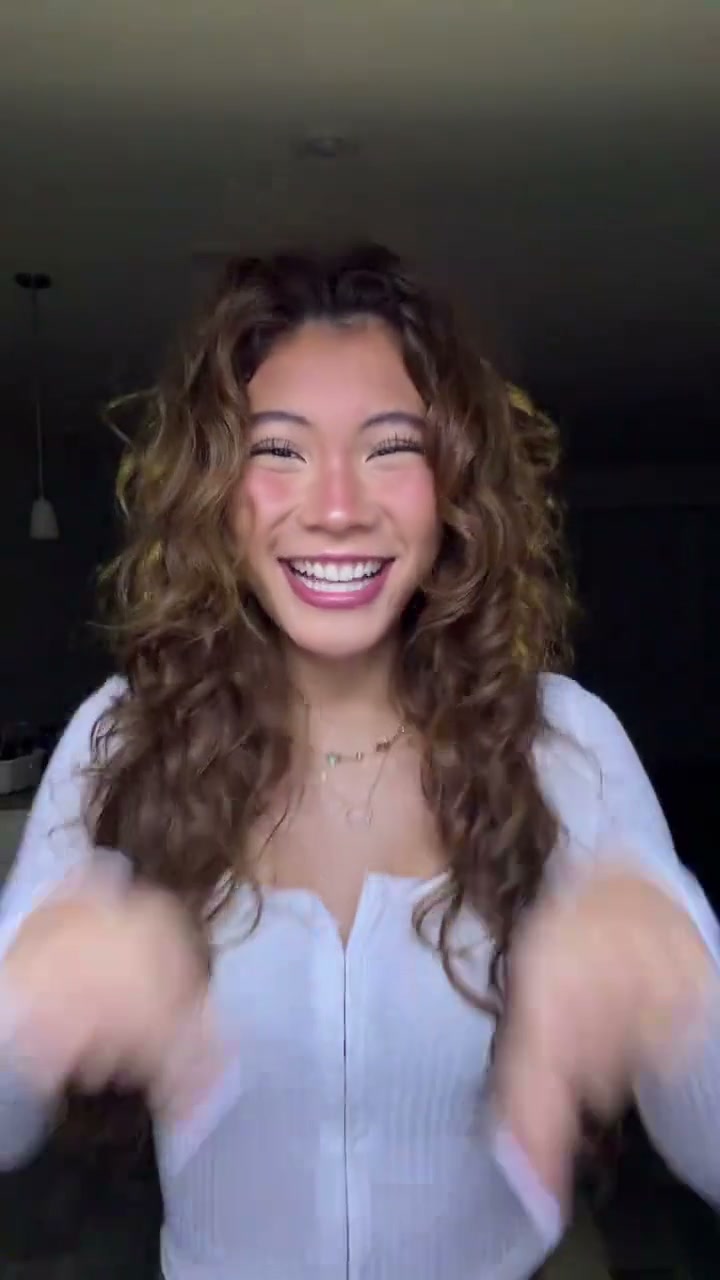
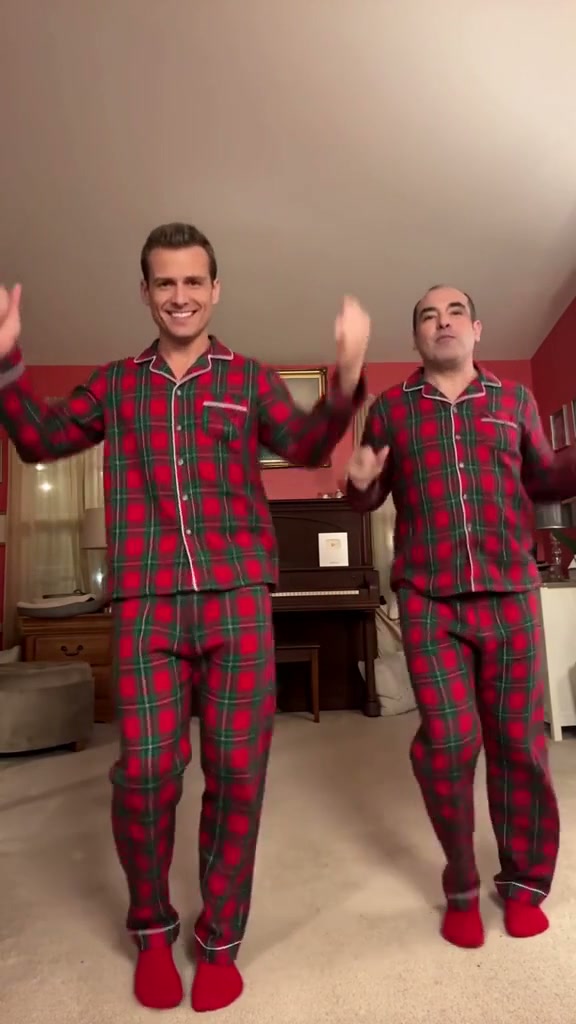
See Olly Olly Dance AI in Action — No Prompt Writing Needed
Generated directly from one portrait photo—no studio lighting, no dancing practice, and zero manual prompt writing.
Olly Olly Dance AI casts you directly into the viral TikTok dance trend set to producer OLLY's upbeat Jersey Club rhythm. Uploading one clear photo on Viral AI Video generates an 10-second MP4 starting at 5 credits (Standard 480p) with zero prompt writing.
- 1Input needed: 1 front-facing portrait photo with visible hair, eyes, and outfit styling in even light.
- 2Instant hook: opens with high-tempo rhythmic bounces before hitting the signature cheek peek-a-boo frame.
- 3Choreography timeline: 0.0–2.0s bouncy intro, 2.0–4.5s swagger pumps, 4.5–6.8s cheek frames, 6.8–8.5s freeze, 8.5–10.0s sprint exit.
- 4Formats & options: native 9:16 vertical portrait, 1:1 square, or 16:9 widescreen across Standard, Fast, and Pro models.
- 5Transparent pricing: starts at 5 credits (10s, Standard 480p); failed tasks return reserved credits automatically.
- Clip Length
- 10 Seconds
- Entry Cost
- 5 Credits (480p)
- Aspect Ratios
- 9:16 · 1:1 · 16:9
- Photo Input
- 1 Clear Portrait
Why the Jersey Club Format Works
Viral dance clips succeed on short-form feeds when they combine an infectious rhythmic bounce with relatable facial comedy. Instead of complex ballroom routines, the Olly Olly dance trend pairs producer OLLY's rapid Jersey Club kick pattern with accessible, playful movements that look natural on creators of any background.
Three distinctive visual traits make this routine irresistible to viewers:
- Immediate beat engagement: The dancer starts bouncing right on beat zero (
0.0–2.0s), seizing viewer attention before they can swipe away. - Iconic peek-a-boo meme moment: Cupping the cheeks with open palms while smiling creates an instantly recognizable visual signature (
4.5–6.8s). - Comedic looping payoff: A mock-serious pause followed by sprinting completely out of frame leaves an empty room, making the clip loop seamlessly.
10-Second Shot-by-Shot Beat Breakdown
| Timestamp | Phase | What Happens on Screen | Why Your Photo Matters Here |
|---|---|---|---|
| 0.0s – 2.0s | Rhythmic Bounce | The dancer opens directly into an energetic bounce with subtle side-to-side weight shifts matching the upbeat Jersey Club rhythm. | A centered front-facing portrait anchors accurate facial likeness from the very first frame. |
| 2.0s – 4.5s | Swagger Arm Pumps | Forward rhythmic arm pumps and light swagger footwork maintain momentum as the tempo builds toward the signature gesture. | Visible shoulders and natural posture in your source photo allow realistic upper-body motion translation. |
| 4.5s – 6.8s | Cheek Peek-a-Boo | Both hands frame the cheeks with playful peek-a-boo open palms while the performer bounces with a broad, confident smile. | Even indoor or natural daylight without harsh shadows ensures clean hand-to-face depth separation. |
| 6.8s – 8.5s | Mock-Serious Freeze | The performer stops bouncing and locks into a deadpan, mock-serious stare directly into the camera lens. | Relaxed eye expressions in the input photo prevent exaggerated or unnatural facial expressions during the freeze. |
| 8.5s – 10.0s | Comedic Sprint Exit | Breaking character suddenly, the dancer bolts out of frame to the left, leaving an empty room for a comedic loop punchline. | Single-subject photos ensure clean background continuity as the performer accelerates off-screen. |
How to Pick the Best Portrait Photo (Zero-Prompt Workflow)
Because the studio handles the full Jersey Club choreography and camera direction on the server, you never write a prompt. Choosing a crisp, properly lit input portrait is the single step you control to maximize motion fidelity and facial likeness.
High-Accuracy Portraits vs. Common Upload Mistakes
Because this effect runs on a locked motion preset with zero prompt typing, photo selection accounts for most of the final quality.
Upload Photos Like This
- Front-facing portrait where eyes, nose, mouth, and hairstyle are clearly visible.
- Even daylight or bright indoor lighting showing natural skin tone and outfit colors.
- Clean, uncluttered background featuring only one person in the entire frame.
- Full head and upper torso visible—no dancewear or specialized props required.
- Natural expression with unobstructed face—no sunglasses, hats, or heavy stickers.
Avoid These Mistakes
- Group photos with multiple people or friends standing right beside you.
- Dark, backlit silhouettes where facial details are lost in heavy shadow.
- Low-resolution or blurry phone snapshots where eye clarity is degraded.
- Heavy beauty filter washes that smooth away natural facial contours.
- Photos of celebrities or public figures you lack rights to process.
Have Your Photo Ready? Launch Straight Into the Studio
Select your favorite portrait photo to carry it into the Olly Olly Dance AI studio pre-loaded—review your credit estimate (from 5 credits at 480p) and generate in seconds.
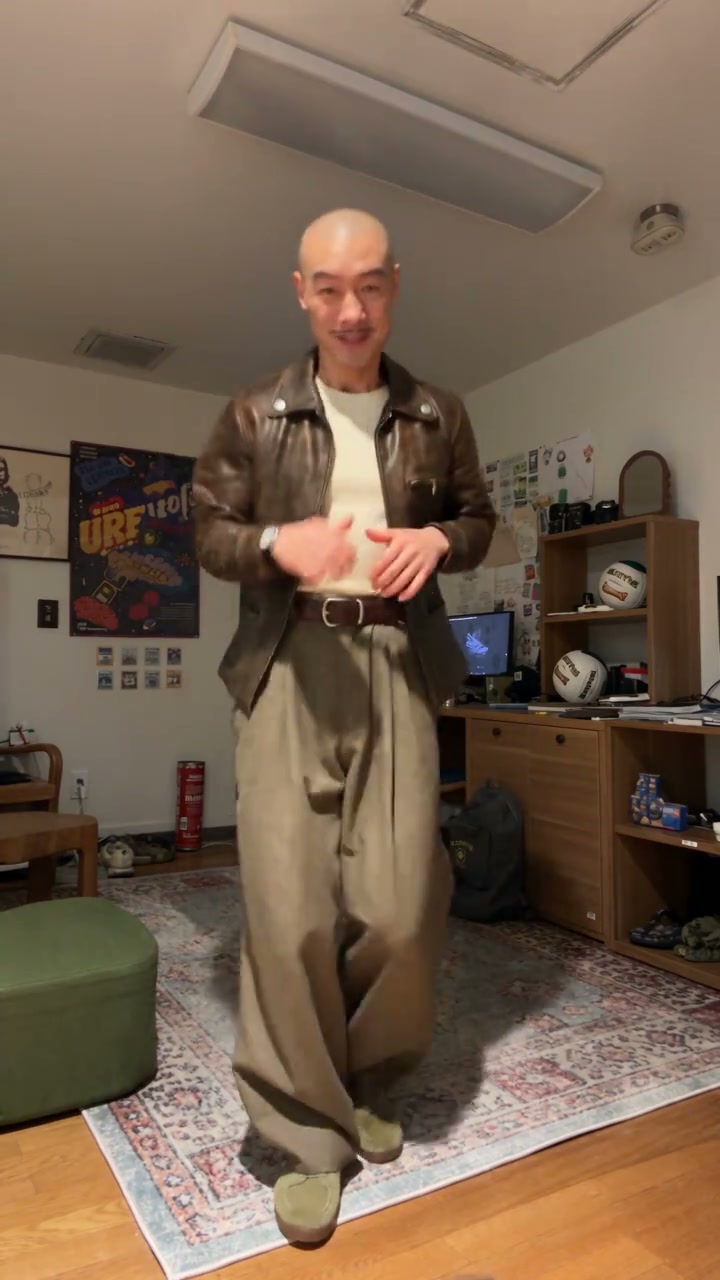 10s MP4
Studio Preset vs. CapCut Templates: Which Should You Use?
Creators searching for "olly olly dance CapCut template" often look for a quick shortcut to participate in the trend without choreographing routine steps. Both tools offer distinct advantages depending on whether you want genuine AI video motion or simple photo cutouts:
Olly Olly Dance AI Preset vs. CapCut Templates
| What Matters | Viral AI Video Preset | Typical CapCut Template |
|---|---|---|
| How you appear in the video | Synthesizes a 10-second video clip guided by your portrait likeness and the authentic dance choreography. | Places static photo cutouts or head overlays on top of pre-recorded template clips. |
| Motion synthesis & choreography | Full body movement, footwork bounces, cheek peek-a-boo hands, and sprint exit rendered automatically. | Relies on fixed user video slots or 2D keyframed pan-and-scan animations. |
| Manual editing required | Zero prompt engineering or manual video slicing—upload 1 photo, review credits, and generate. | Requires manual frame timing, photo cropping, and custom cutout masking. |
| Resolution & aspect ratio options | Delivers MP4s in vertical 9:16 Reels/TikTok, 1:1 square, or 16:9 format across 480p, 720p, and 1080p. | Locked to the original template author aspect ratio and local app export limits. |
| Credit flexibility vs. subscription | Starts at 5 credits per 10s clip; non-expiring credit packs with automatic refunds on failed tasks. | Free basic features with recurring monthly subscription tiers for Pro watermark removal. |
Audio, Previewing & Posting Tips
Before downloading your generated clip and sharing it to TikTok, Instagram Reels, or YouTube Shorts, keep these essential creator tips in mind:
- Preview the full clip before sharing: Watch the complete 10-second playback to check the timing of the cheek peek-a-boo hands and comedic sprint exit. Note that desktop browser previews include synchronized beat audio, and phone task downloads provide the same generated MP4.
- Select trending audio on the publishing platform: While the downloaded MP4 includes synchronized Jersey Club beat audio, selecting the official trending sound on TikTok or Instagram Reels boosts recommendation algorithm reach. Save your MP4 before your account retention expires.
- Turn on the AI content disclosure flag: Tagging your post with the AI-generated content label maintains transparency and aligns with platform distribution guidelines. Looking for more viral formats? Check out our Cat Riding Dirt Bike AI guide for pet comedy stunts.