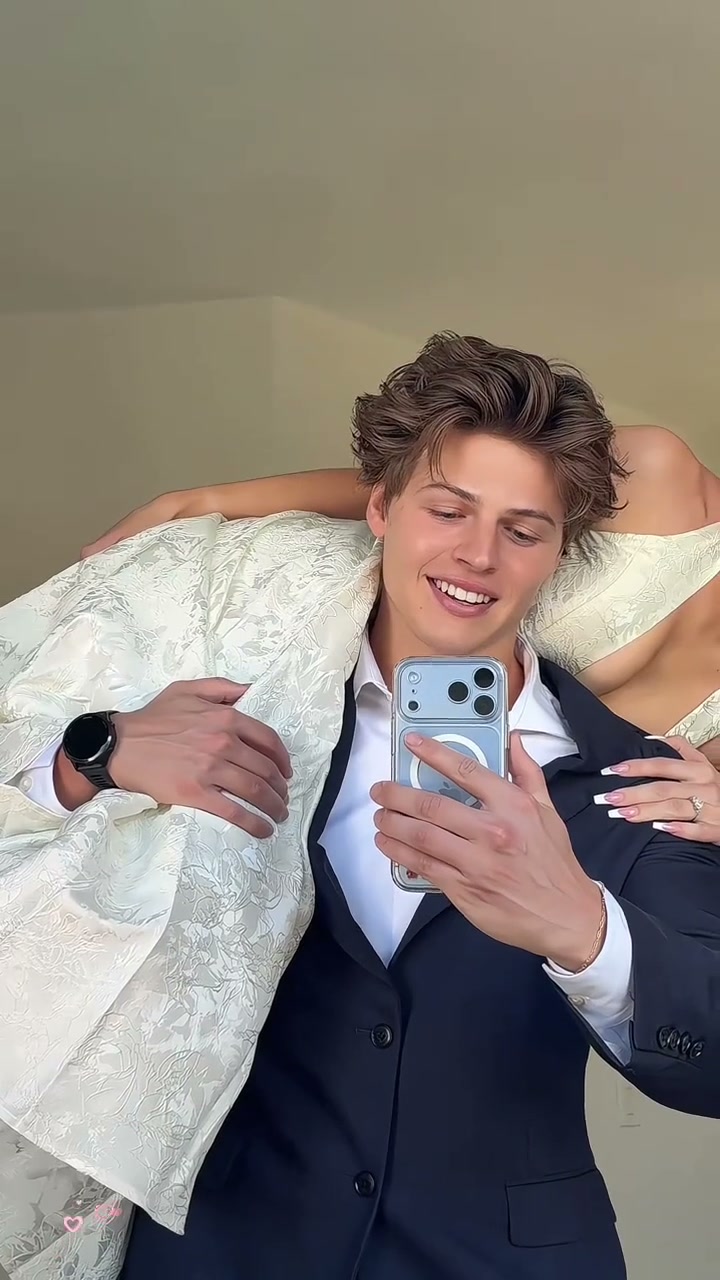
See No I Ain't Crazy YB AI in Action — No Prompt Writing Needed
Generated directly from one portrait photo—no green screen, no manual CapCut masking, and zero prompt writing.
No I Ain't Crazy YB AI casts your portrait as the lead protagonist in the viral Young Sheldon family celebration clip flexing fanned stacks of cash to NBA YoungBoy hip-hop audio. Using one clear photo on Viral AI Video generates a cinematic 12-second MP4 starting at 6 credits (Standard 480p) with zero prompt writing.
- 1Input needed: 1 front-facing portrait of yourself or a friend in even lighting (no formal suit or cash props needed).
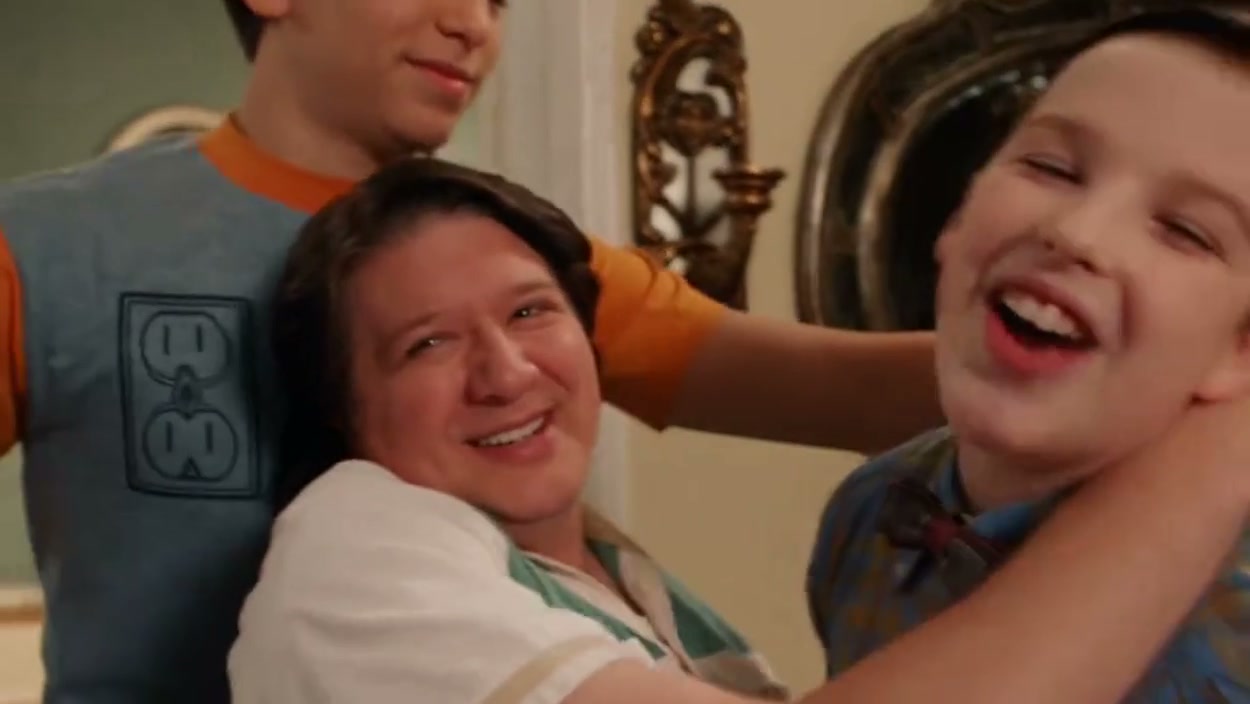
- 2Instant visual hook: opens with an affectionate family group hug before transitioning into a dramatic foreground cash reveal.
- 3Matched timeline: 0.0–3.8s celebratory family hug, 3.8–6.2s foreground cash stack fanning, 6.2–8.5s confidence flex, 8.5–12.0s rap lip-sync.
- 4Formats & options: native 16:9 widescreen framing, plus 9:16 vertical and 1:1 square options across Standard, Fast, Pro, and Ultra tiers.
- 5Transparent pricing: starts at 6 credits (12s, Standard 480p); failed tasks automatically return reserved credits.
- Clip Length
- 12 Seconds
- Entry Cost
- 6 Credits (480p)
- Aspect Ratios
- 16:9 · 9:16 · 1:1
- Photo Input
- 1 Front Portrait
Why the Sitcom Cash Flex Format Works
Short-form comedy clips capture explosive engagement when they pair heartwarming sitcom family moments with hard-hitting hip-hop bravado. The contrast between a wholesome living room celebration and an unapologetic flex of fanned twenty-dollar bills creates instant comedic shock value.
Two structural traits inside the preset make the meme perform consistently on social feeds:
- Fast two-stage visual reveal: The clip opens on genuine smiling emotion in a family embrace (
0.0–3.8s), disarming the viewer before dropping a thick stack of cash right in front of the lens (3.8–6.2s). - Widescreen ensemble composition: Keeping the original 16:9 cinematic framing allows all family members, cheering friends, and co-star Billy Sparks holding baby Cece to remain visible across the entire frame.
12-Second Shot-by-Shot Beat Breakdown
| Timestamp | Phase | What Happens on Screen | Why Your Photo Matters Here |
|---|---|---|---|
| 0.0s – 3.8s | Family Group Hug | The lead character matching your portrait smiles, laughs, and sings with open mouth gestures while hugged by celebrating family and friends on both flanks. | A front-facing portrait with natural facial expressions anchors clean identity preservation as the group shifts and hugs. |
| 3.8s – 6.2s | Cash Stack Reveal | Hands fan out a thick stack of US twenty-dollar bills directly in front of the camera lens with crisp foreground focus. | No cash props needed in your upload; the preset automatically renders the fanned bills with authentic lighting. |
| 6.2s – 8.5s | Confidence Flex | The lead character beams with swagger behind the fanned cash stack while background co-stars gesture excitedly. | Balanced, even lighting in your source photo prevents strange shadow artifacts during bright sitcom room lighting. |
| 8.5s – 12.0s | Hip-Hop Lip-Sync | The lead character lip-syncs rap verses on screen left facing Billy Sparks cradling baby Cece while cash remains in frame. | Clear visibility of mouth and jawline ensures sharp lip articulation throughout the closing vocal sequence. |
How to Pick the Best Portrait Photo (Zero-Prompt Workflow)
Because the studio handles camera motion, lighting, and choreography on the server, you never write a prompt. Choosing a clear input photo is the single step you control that visibly maximizes facial fidelity and expression accuracy.
High-Accuracy Portrait Photos vs. Common Upload Mistakes
Because this effect runs on a locked motion preset with zero prompt typing, photo selection accounts for most of the final quality.
Upload Photos Like This
- Front-facing selfie or headshot where eyes, eyebrows, nose, and mouth are clearly visible.
- Even daylight or balanced indoor lighting showing natural skin tone and hair color.
- Uncluttered background with only one person in the uploaded frame.
- Natural expression with full head, hair volume, and shoulders visible.
- Casual everyday clothes—no bowtie, formal suit, or cash props needed in your photo.
Avoid These Mistakes
- Multiple people standing together in the uploaded photo or group selfies.
- Dark, underexposed, or heavily backlit photos where facial features are obscured.
- Distant full-body shots where facial pixels are tiny or pixelated.
- Faces covered by thick sunglasses, heavy masks, or dramatic novelty filters.
- Celebrity portraits, public figures, or images used without personal consent.
Have Your Photo Ready? Launch Straight Into the Studio
Pick one clear portrait here to carry it into the No I Ain't Crazy YB AI studio pre-loaded—review your exact credit estimate (from 6 credits at 480p) and generate in seconds.
 1 Portrait Photo
 12s MP4
Preset Video vs. CapCut Templates: Which Should You Use?
Creators looking for "No I Ain't Crazy YB CapCut template" frequently want a fast way to join the trend without manually cutting and syncing footage. Here is how our automated web studio compares to manual mobile templates:
No I Ain't Crazy YB AI Preset vs. CapCut Templates
| What Matters | Viral AI Video Preset | Typical CapCut Template |
|---|---|---|
| How your likeness appears | Synthesizes a complete 12-second motion clip guided by your facial features and the built-in sitcom reference. | Places a 2D cutout photo or static overlay sticker onto pre-rendered template slots. |
| Sitcom set & motion synthesis | Renders full camera motion, dynamic group hugs, fanned cash stacks, and rap lip-sync automatically. | Relies strictly on fixed pre-recorded clips with limited user repositioning. |
| Manual editing required | Zero prompt writing or keyframing—upload 1 photo, review credits, and generate in 1 click. | Requires mobile app download, manual template searching, and cropping. |
| Resolution & aspect ratio options | Native 16:9 widescreen without letterboxing, plus 9:16 and 1:1 formats across 480p, 720p, and 1080p. | Often constrained to fixed vertical mobile ratios that crop out surrounding characters. |
| Credit model vs. subscription | Pay-as-you-go from 6 credits per 12s generation; purchased credit packs never expire and failed tasks auto-refund. | Free tier includes watermarks, while high-definition exports often require recurring monthly subscriptions. |
Audio, Previewing & Posting Tips
Before exporting and publishing your finished video to TikTok, Instagram Reels, or YouTube Shorts, keep these essential steps in mind:
- Watch the full preview before downloading: Check the opening hug, cash stack reveal, and rap lip-sync timing. If a generation ever fails due to a server error, your account credits are refunded 100% automatically.
- Synchronize official platform audio when posting: While our desktop tool pre-muxes the companion soundtrack directly into the exported MP4, selecting the trending sound on TikTok or Instagram Reels boosts recommendation algorithm reach.
- Turn on the AI-generated content label: Toggle the platform disclosure setting when posting to ensure compliance with synthetic media guidelines. Looking for more viral comedy concepts? Check out Stormzy Shut Up AI or explore our restaurant bill comedy guide.