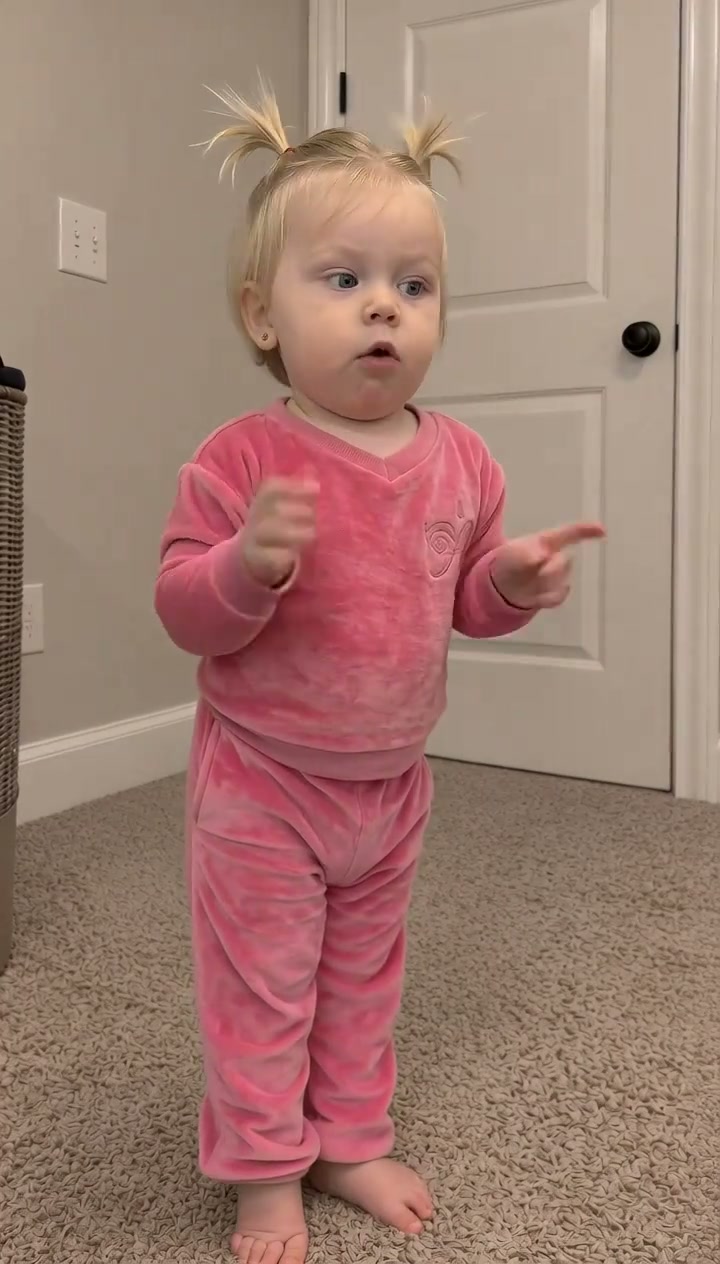
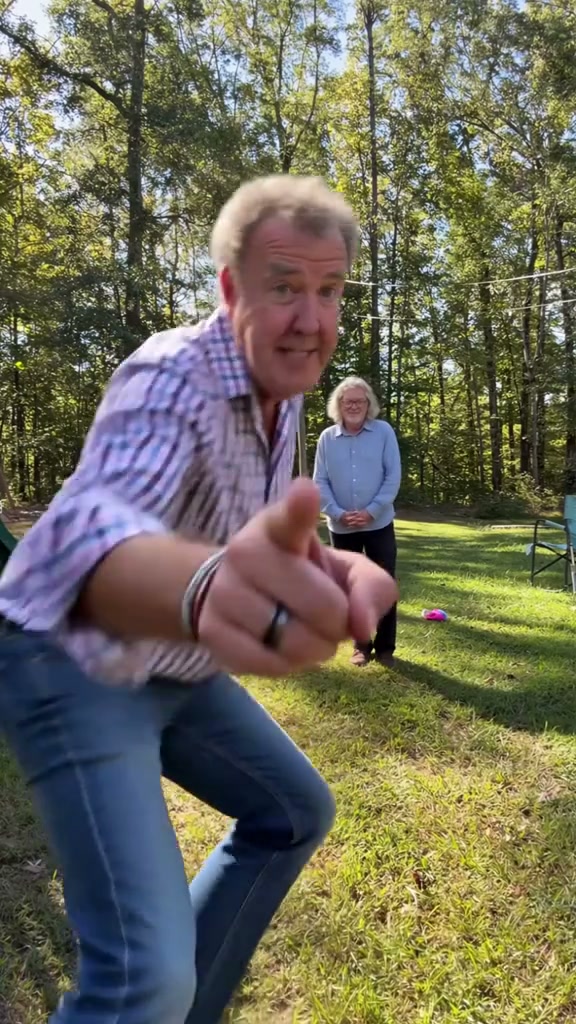
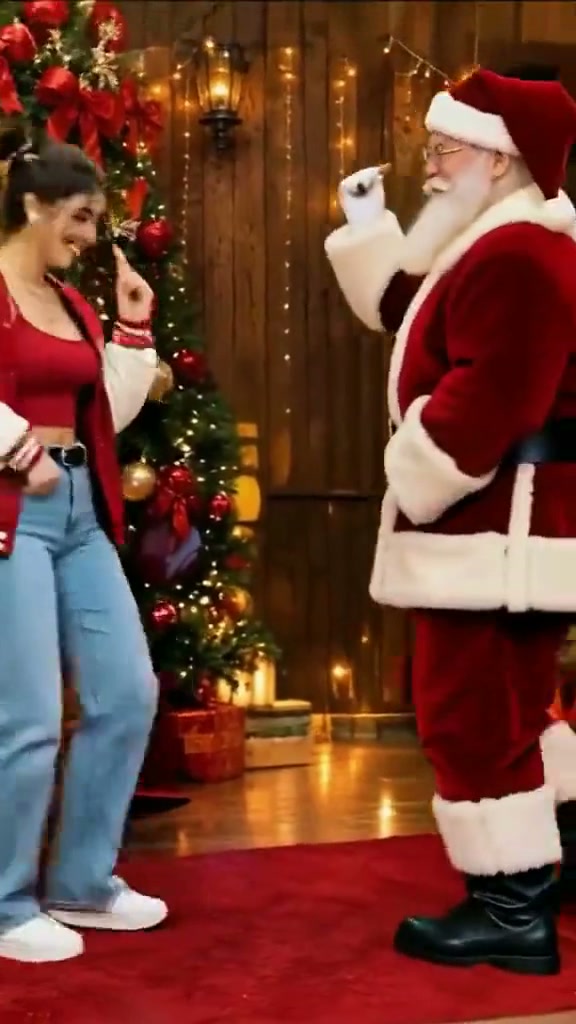
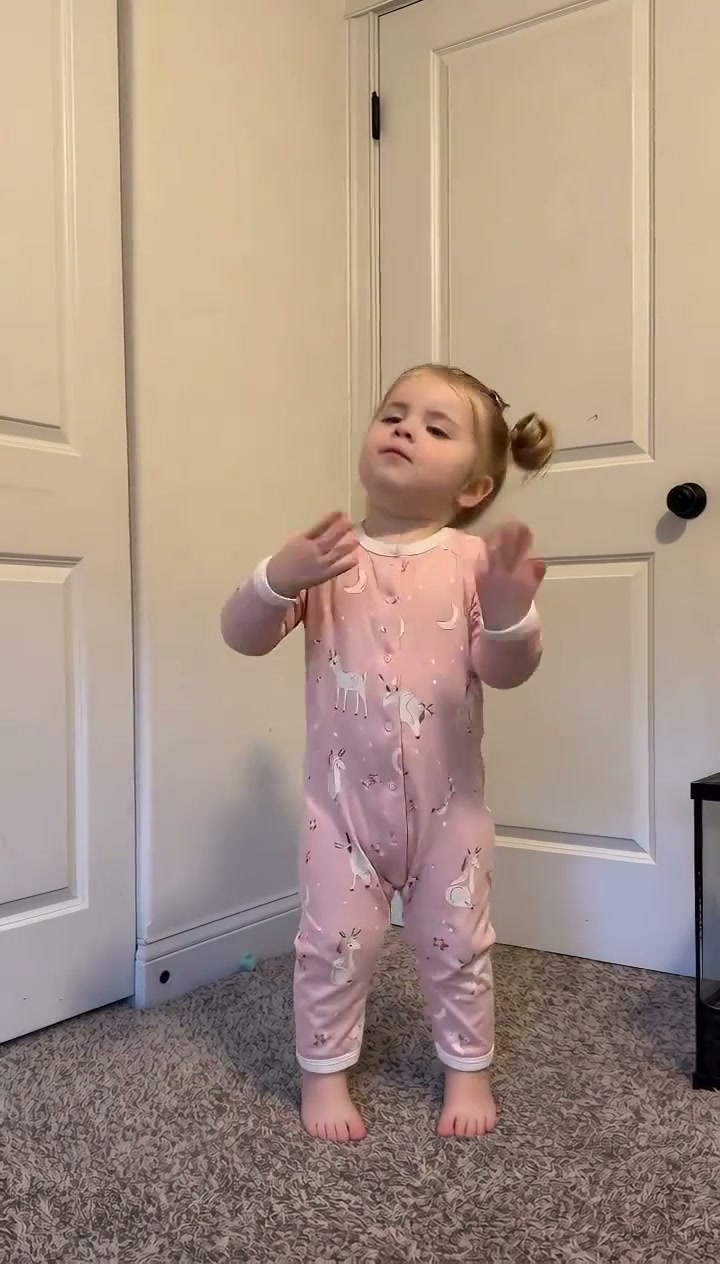
See AI Doodle Dance Partner in Action — No Prompt Writing Needed
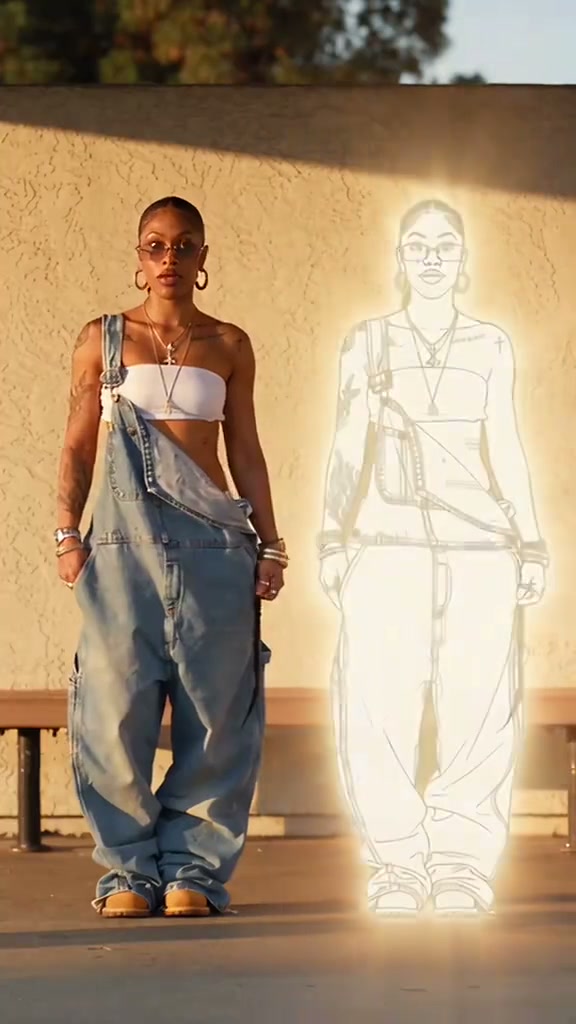
Generated directly from front-facing portraits—real street dancer paired with an animated comic line-art twin.
AI Doodle Dance Partner casts you alongside an animated 2D sketch twin performing an energetic 9-second street hip-hop routine. Using your photos on Viral AI Video generates an 9-second MP4 starting at 5 credits (Standard 480p) with zero manual prompts.
- 1Input needed: 1 front-facing portrait photo with clear facial features in natural lighting.
- 2Instant visual hook: opens with the real dancer standing forward as a glowing humanoid light beam resolves into an animated doodle partner.
- 3Matched timeline: 0.0–1.0s light beam emergence, 1.0–3.5s doodle condensation and profile turn, 3.5–6.5s torso bounces, 6.5–9.0s skip-hop climax.
- 4Formats & options: supports 9:16 vertical portrait, 1:1 square, and 16:9 widescreen across Standard, Fast, Pro, and Ultra models.
- 5Transparent pricing: starts at 5 credits (9s, Standard 480p); failed tasks automatically return reserved credits.
- Clip Length
- 9 Seconds
- Entry Cost
- 5 Credits (480p)
- Aspect Ratios
- 9:16 · 1:1 · 16:9
- Photo Input
- 1 Portrait Photo
Why the Doodle Dance Format Works
Short-form dance videos grab attention when they combine authentic physical motion with an eye-catching artistic contrast. Instead of flat cartoon filters, this preset contrasts a photorealistic human street dancer with a glowing 2D line-drawn sketch twin mirroring every groove in lockstep.
Two structural elements inside the preset make the clip perform right out of the studio:
- Immediate opening contrast: Viewers see the real dancer standing confidently before a radiant light beam materializes on the right (
0.0–1.0s), delivering an instant visual hook. - Synchronized kinetic choreography: From the coordinated profile head-turns to rhythmic torso bounces and one-legged skip hops, the precise beat matching holds viewer retention through the entire 9-second clip.
9-Second Shot-by-Shot Beat Breakdown
| Timestamp | Phase | What Happens on Screen | Why Your Photo Matters Here |
|---|---|---|---|
| 0.0s – 1.0s | Intro Hook | The real dancer stands on the left in a confident posture as a golden humanoid light beam materializes on the right. | Clear front-facing eye alignment and natural facial expression anchor the lead identity before the sketch twin emerges. |
| 1.0s – 3.5s | Doodle Reveal & Sync Turn | The light beam condenses into a clean 2D line-drawn doodle twin; both dancers turn smoothly to profile, raising hands to adjust glasses and hair. | Unobstructed facial profiles allow the AI to carry personal hairstyles and facial likeness cleanly into profile angles. |
| 3.5s – 6.5s | Hip-Hop Groove | Both dancers pivot back to face camera with confident smiles, dropping into synchronized rhythmic torso bounces and coordinated arm swings. | Natural upper-body framing ensures clothing style and accessories remain consistent through active motion. |
| 6.5s – 9.0s | Skip-Hop Climax | The duo executes an energetic synchronized one-legged knee lift and skip-step in lockstep groove, smiling straight into the lens. | Single-subject photos ensure that no accidental background figures bleed into the synchronized dance formation. |
How to Pick the Best Photos (Zero-Prompt Workflow)
Because the studio handles the camera movements, dance choreography, and doodle rendering on the server, you never write a prompt. Choosing a clear input photo is the main step you control to maximize likeness and clean doodle outlines.
High-Accuracy Portrait Photos vs. Framing Mistakes
Because this effect runs on a locked motion preset with zero prompt typing, photo selection accounts for most of the final quality.
Upload Photos Like This
- Front-facing or slight three-quarter portrait where both eyes, nose, and mouth are clearly visible.
- Bright natural daylight or even indoor lighting with clear facial contours.
- Plain, uncluttered background with only one person in each uploaded photo.
- Head and upper chest visible with natural personal styling.
- Clear, unobstructed facial features without heavy digital stickers or extreme blur.
Avoid These Mistakes
- Two people crammed into one photo for a single role slot.
- Dark backlit silhouettes where facial features blend into shadows.
- Extreme close-ups where forehead or chin is cropped out of frame.
- Blurry or low-resolution motion snapshots taken in dim lighting.
- Celebrity images, public figures, or photos without explicit permission.
Have Your Photo Ready? Launch Straight Into the Studio
Upload your portrait to launch the AI Doodle Dance Partner studio pre-loaded—review your exact credit quote (from 5 credits at 480p) and generate in seconds.
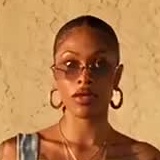 1 Photo
 9s MP4
Preset Video vs. CapCut Templates: Which Should You Use?
Creators searching for "doodle dance CapCut template" or "sketch dance partner filter" usually want a fast way to join the trend without complex editing software. Both tools serve different creative workflows:
AI Doodle Dance Partner Preset vs. CapCut Templates
| What Matters | Viral AI Video Preset | Typical CapCut Template |
|---|---|---|
| How your likeness appears | Synthesizes a 9-second kinetic dance clip guided by your photos and authentic synchronized choreography. | Applies pre-made static cutouts, 2D stickers, or canned motion overlays over existing footage. |
| Doodle twin generation | Generates an animated line-art sketch twin with stylized comic outlines matching your exact movements. | Relies on fixed graphic overlays that do not adapt dynamically to custom dancer proportions. |
| Manual editing required | Zero prompts or keyframing—upload photos, review credits, generate, and preview. | Fast for pre-built slots, but customizing timing and cutout masking requires manual adjustments. |
| Format & resolution options | Exports MP4s in 9:16 vertical, 1:1 square, or 16:9 widescreen across 480p, 720p, and 1080p resolutions. | Constrained by template project settings and export quality limits. |
| Credit model vs. subscription | Starts at 5 credits per 9s Standard 480p clip; purchased credit packs never expire (subscription credits follow monthly billing validity). | Free basic templates, while advanced filters and watermark removal require ongoing monthly subscriptions. |
Audio, Previewing & Posting Tips
Before sharing your completed video to TikTok, Instagram Reels, or YouTube Shorts, keep these essential posting tips in mind:
- Preview full motion and audio timing: Watch the entire 9-second preview to review the transition from the golden light beam to the synchronized skip hops. Confirm the street rhythm feels natural before saving.
- Attach trending platform audio: While desktop downloads include synchronized street beats, pairing your post with trending audio from the TikTok or Reels library helps boost algorithm visibility. For another viral dance trend, try our Deck The Halls Dance AI or read the holiday duo dance playbook.
- Enable AI content disclosure: Toggle the AI-generated content setting on social platforms when posting synthetic video creations to ensure full transparency with your audience.