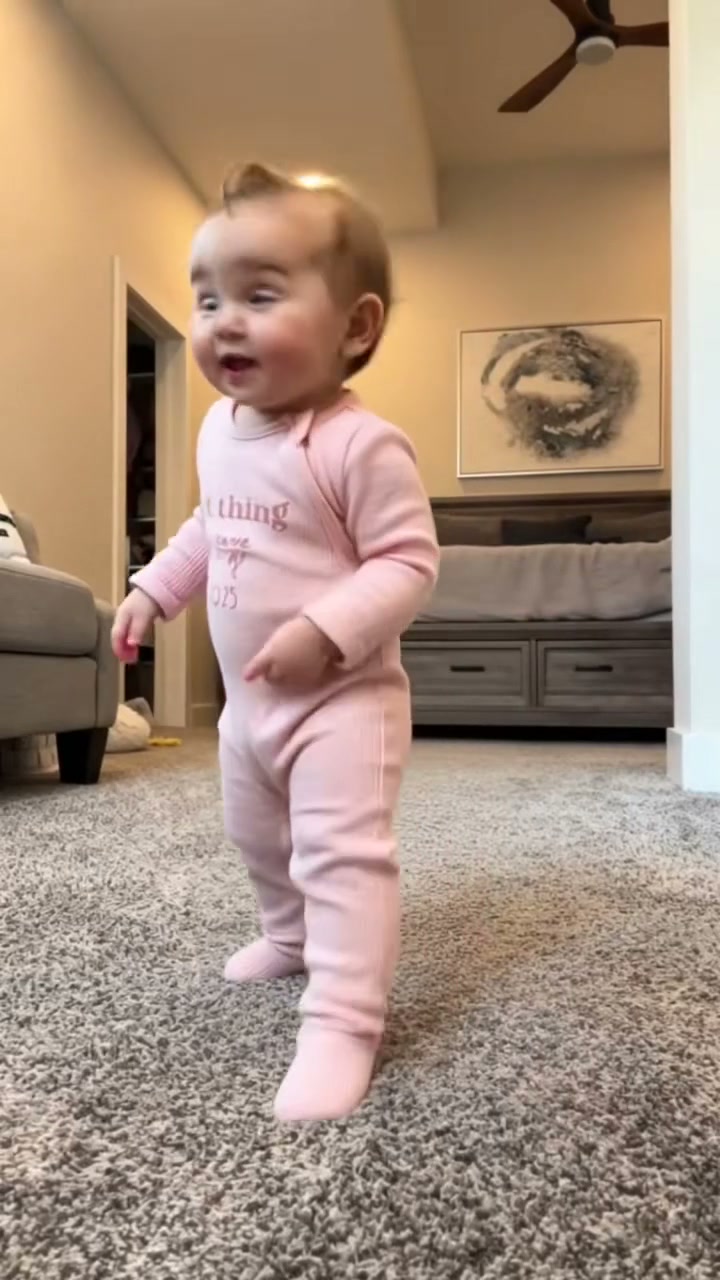
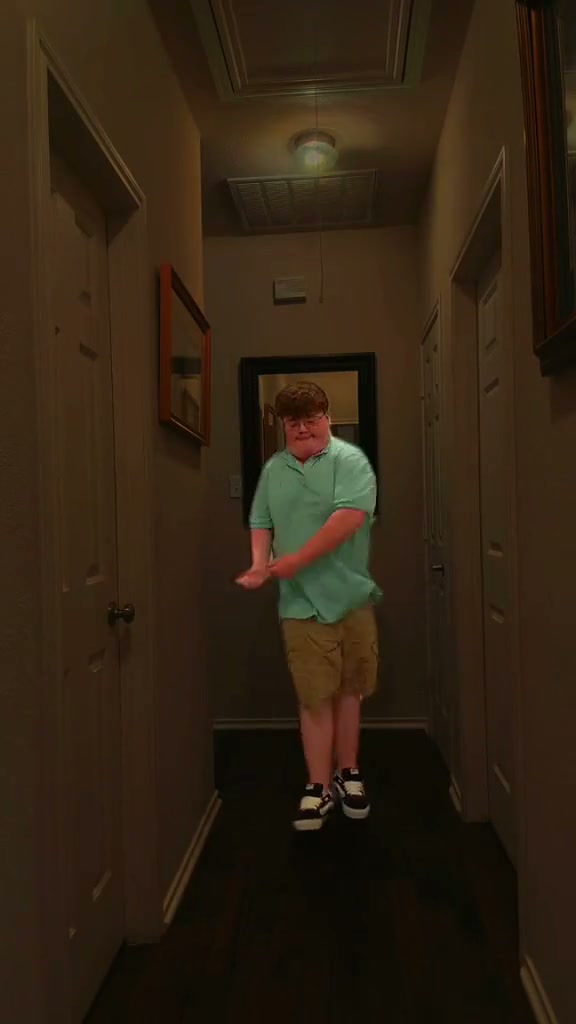
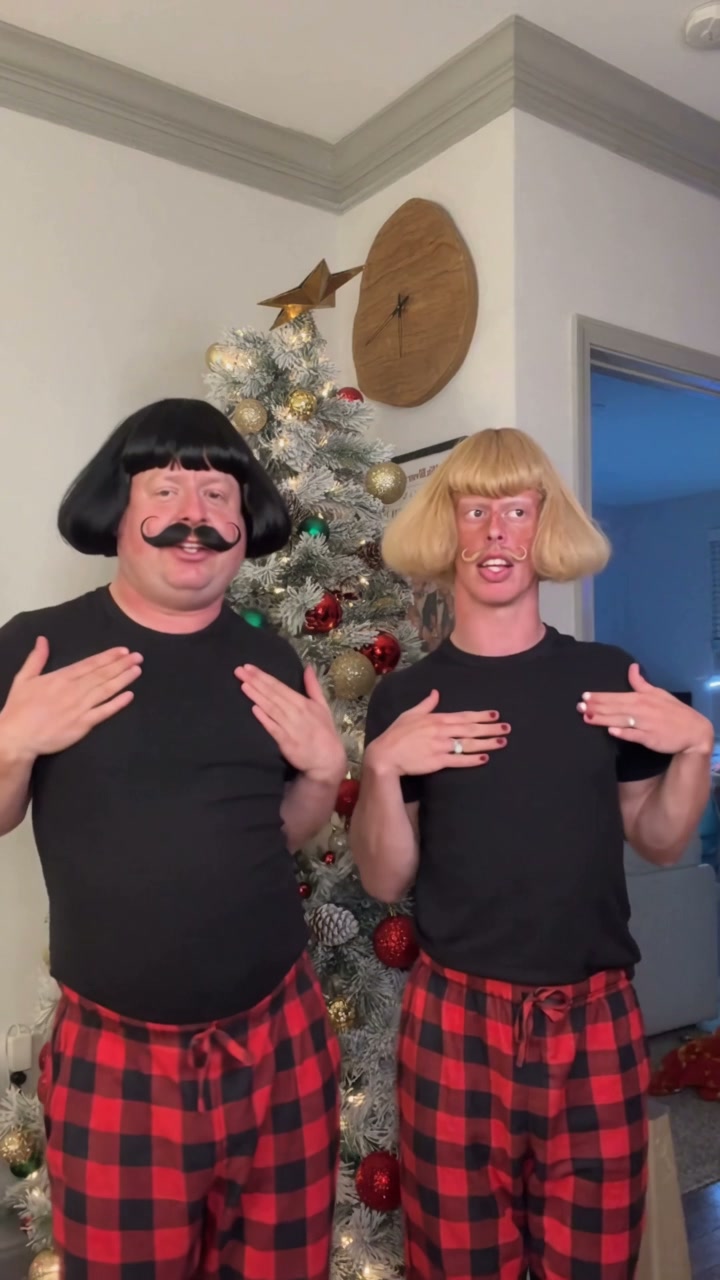
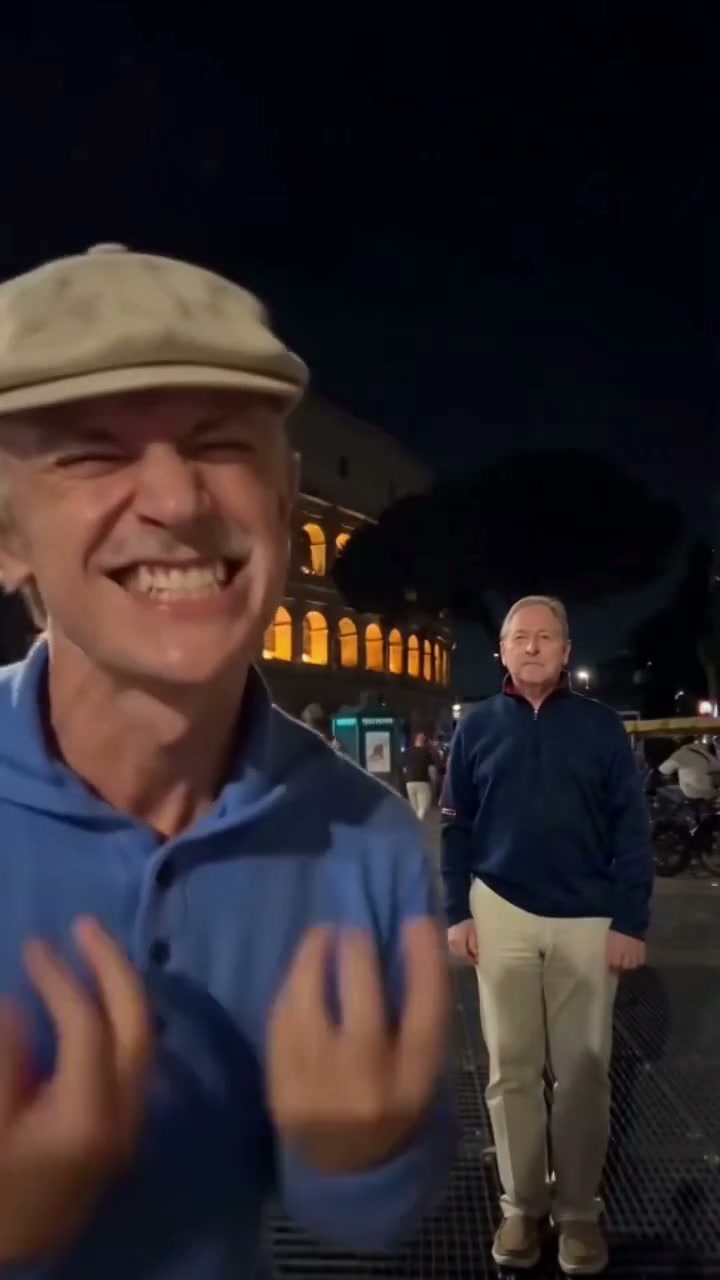
See Are You Falling in Love Dance AI in Action — No Prompt Writing Needed
Generated directly from portrait photos—no dance rehearsals, no filming equipment, and zero manual prompt writing.
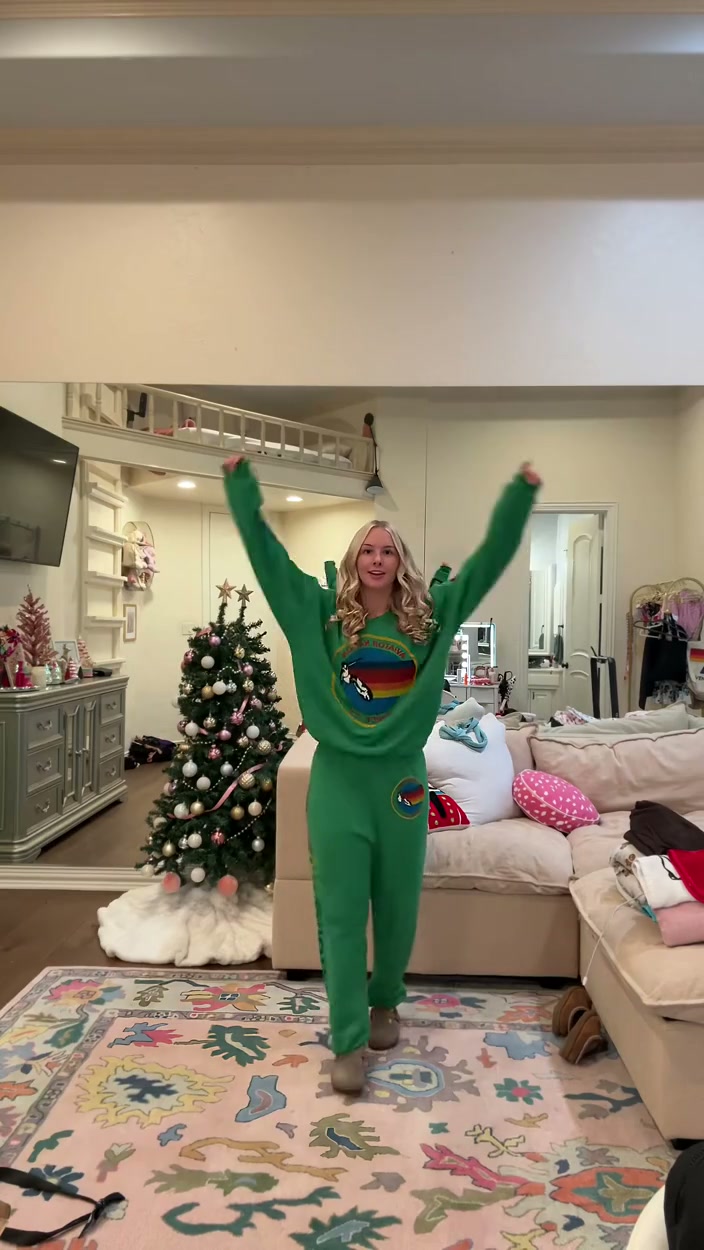
Are You Falling in Love Dance AI casts you or a duo into the viral TikTok dance trend featuring bouncy footwork, forehead salutes, and sharp leg kicks. Using one or two clear photos on Viral AI Video creates a full 15-second MP4 starting at 8 credits (Standard 480p) with zero manual prompts.
- 1Input needed: 1 front-facing portrait for solo living room, or 2 separate portraits for the synchronized hallway duo.
- 2Instant visual hook: opens right away with bouncy shoulder pops before transitioning into the signature forehead salute and leg kick.
- 3Matched timeline: 5 distinct choreography phases across all 15 seconds with synced dance music.
- 4Feed-ready output: native 9:16 vertical format ready for TikTok, Instagram Reels, and YouTube Shorts.
- 5Transparent pricing: starts at 8 credits (15s, Standard 480p); failed tasks automatically return reserved credits.
- Clip Length
- 15 Seconds
- Entry Cost
- 8 Credits (480p)
- Aspect Ratio
- 9:16 Vertical
- Photo Input
- 1 or 2 Portraits
Why the Are You Falling in Love Routine Works
The Are You Falling in Love dance trend exploded across short-form feeds because it combines upbeat rhythmic pacing with expressive, meme-ready upper-body gestures. Rather than demanding complex athletic acrobatics, the routine centers on high-readability moves that viewers immediately recognize:
- Opening Bounce & Groove (
0.0–3.0s): The dancer establishes instant rhythm with crisp chest pops and subtle shoulder dips, pulling viewers in before the beat drop. - The Signature Forehead Salute (
3.0–6.0s): A sharp, recognizable hand-to-brow salute provides the viral anchor that creators and audiences love to imitate. - Synchronized Hallway Staging (
Scene 2): In the hallway duo variation, two performers execute identical footwork and kicks in narrow vertical perspective, amplifying social shareability for couples and friends.
15-Second Shot-by-Shot Beat Breakdown
| Timestamp | Phase | What Happens on Screen | Why Your Photo Matters Here |
|---|---|---|---|
| 0.0s – 3.0s | Setup & Chest Bounce | The performer establishes front-facing presence with rhythmic upper-body bounces and quick shoulder pops. | Relaxed arms outside pockets in your source photo ensure natural torso transitions into the opening beat. |
| 3.0s – 6.0s | Forehead Salute | The dancer raises a crisp salute to the brow with a playful head tilt matching the vocal accent. | Clear forehead visibility without low-hanging beanies or sunglasses guarantees sharp hand placement. |
| 6.0s – 9.0s | Hip Shuffles & Arm Waves | Rhythmic weight transfers into side-to-side hip shuffles paired with extended arm sweeps. | Waist-up or full-body portraits preserve authentic outfit styling and fabric drape during wider body turns. |
| 9.0s – 12.0s | High Side Leg Kick | A snappy high leg extension to the side accented by a quick torso twist and arm counter-balance. | Even daylight lighting keeps leg separation and shoe contours cleanly defined against the room backdrop. |
| 12.0s – 15.0s | Closing Spin & Freeze Pose | A fluid half-spin back to camera, concluding in a confident frozen smile on the final musical hit. | A centered, upright camera angle in your upload maintains clean posture continuity straight through the finish. |
Photo Selection: Solo vs Duo Precision
Because the preset handles the choreography, camera panning, and lighting direction automatically, you never write a prompt. Choosing high-quality portrait photos is the single factor that ensures realistic likeness, sharp hairstyles, and authentic clothing preservation.
High-Accuracy Dance Portraits vs. Common Upload Pitfalls
Because this effect runs on a locked motion preset with zero prompt typing, photo selection accounts for most of the final quality.
Upload Photos Like This
- Front-facing eye-level portraits with both eyes, brows, and cheekbones clearly lit.
- Relaxed standing posture with arms resting naturally at your sides.
- Plain, neutral background with only one subject per uploaded image slot.
- Waist-up or full-body framing showing complete hairstyle and original outfit styling.
- Natural bare face without sunglasses, hats, or hands covering the facial contour.
Avoid These Mistakes
- Two people cropped together inside a single image file for duo mode.
- Hands shoved deep into coat pockets, which can confuse initial arm choreography.
- Dark, grainy indoor selfies taken under harsh backlighting or colored LED lights.
- Extreme close-ups cutting off hair edges, neckline, or shoulder seams.
- Celebrity images, public figures, or photos used without proper personal permission.
Ready to Star in the Viral Dance? Open the Preset Studio
Pick your solo or duo scene here to carry it into the Are You Falling in Love Dance AI studio pre-loaded—review your exact credit quote (from 8 credits at 480p) and render in seconds.
 1 or 2 Portraits
 15s MP4
Preset Video vs. CapCut Templates: Which Should You Use?
Creators searching for "are you falling in love CapCut template" often look for a quick shortcut to participate in the trend without spending hours learning complex dance steps. Understanding the differences between standard video editors and AI motion synthesis helps you pick the right tool:
Are You Falling in Love Dance AI vs. CapCut Dance Templates
| What Matters | Viral AI Video Preset | Typical CapCut Template |
|---|---|---|
| Choreography realism & motion synthesis | Synthesizes a full 15-second dynamic dance routine where your photo actively performs every salute, pop, and kick. | Pastes static photo cutouts onto fixed motion graphic backgrounds or loops short photo pan-zooms. |
| Solo and synchronized duo scenes | Includes dedicated living room solo and synchronized hallway duo routines with matched timing. | Requires finding separate templates with varied audio timings and inconsistent framing. |
| Manual editing & keyframing | Zero prompts, zero keyframing—upload photo, pick scene, and render. | Requires aligning photo beat markers, trimming track endpoints, and manually adjusting mask edges. |
| Resolution and export controls | Native 9:16 vertical MP4 export across Standard, Fast, Pro, and Ultra tiers with up to 1080p clarity. | Export resolution depends on account plan and template asset quality. |
| Pricing and credit structure | Starts at 8 credits per 15s render (Standard 480p); purchased credit packs never expire (subscription rules differ). | Free basic features with watermark overlays; advanced effects locked behind monthly subscriptions. |
Audio Sync, Review & Posting Tips
Before sharing your completed dance video across TikTok, Instagram Reels, or YouTube Shorts, apply these three creator recommendations:
- Review full playback before sharing: Watch the complete 15-second render to verify hand placement during the forehead salute and leg extension clarity. Desktop studio downloads include the synchronized dance beat; you can also scan the QR code to save the MP4 directly to your mobile device.
- Attach trending platform audio: While our MP4 download arrives with synchronized dance audio, pairing your post with the active TikTok or Instagram sound increases discoverability and algorithm traction. Be sure to download your completed video before your account retention window expires.
- Explore complementary viral dance trends: If you enjoy short-form dance choreography, check out the viral Christian Dior Dance AI routine or explore our Stormzy Shut Up AI performance setup to expand your creator feed.